We're officially a Great Place To Work® certified company, India | 2026–27

Mayank Patel
Jun 20, 2024
4 min read
Last updated Apr 14, 2025

Software as a service (SaaS) is a booming industry, with more and more businesses opting for cloud-based solutions over traditional software. However, developing a successful SaaS product is not a walk in the park. It requires careful planning, execution, and optimization, from the initial idea to the final launch.
In this blog post, we will share with you a comprehensive checklist for SaaS product development, covering the essential steps and best practices you need to follow to create a product that meets your customers’ needs and expectations. Whether you are a seasoned software company or a budding startup, this checklist will help you navigate the complex and competitive SaaS landscape and achieve your business goals.
The first step in SaaS product development is to validate your idea. You need to make sure that there is a real problem that your product can solve, and that there is a viable market for it. There are different ways to test your idea, such as:
By validating your idea, you can avoid wasting time and resources on building something that nobody wants or needs. You can also refine your product vision and strategy, and identify your product-market fit.
Also Read: SaaS Tech Stack - A Detailed Guide
The next step in SaaS product development is to design your product. You need to create a user-friendly and attractive interface that delivers a great user experience. To design your product, you can use various tools and techniques, such as:
By designing your product, you can ensure that your product is easy to use, intuitive, and appealing. You can also communicate your brand identity and value proposition, and build trust and loyalty with your customers.
The third step in SaaS product development is to develop your product. You need to write the code that powers your product and makes it functional. To develop your product, you can use various technologies and methodologies, such as:
By developing your product, you can turn your design into reality and deliver a working product that meets your technical specifications and requirements. You can also ensure that your product is secure, reliable, and scalable.
Also read: How to find a reliable long term software development partner?
The final step in SaaS product development is to launch your product. You need to introduce your product to the market and attract your first customers. To launch your product, you can use various strategies and tactics, such as:
By launching your product, you can validate your business model and generate revenue. You can also grow your customer base and your brand awareness, and establish your competitive advantage.
SaaS product development is a challenging but rewarding process that requires a lot of planning, execution, and optimization. By following this checklist, you can create a SaaS product that solves a real problem, meets a market demand, and delivers a great value to your customers.
If you need any help with your SaaS product development, we are here for you. We are an esteemed software product development company with years of experience and expertise in creating SaaS products for various industries and niches. We can help you with every aspect of your product development, from idea to launch, and beyond.

How to Use CodeRabbit and Mutable.ai for Faster PR Reviews
PR reviews and documentation are slow because they are repetitive. The same comments show up in every PR. The same gaps appear in documentation. Engineers spend hours checking naming, structure, and obvious issues instead of focusing on what actually matters, such as system behaviour, edge cases, and long-term impact. Over time, this creates review fatigue, inconsistent documentation, and slower merge cycles.
This is not a tooling problem. It is a workflow problem. Most teams still rely on humans to do predictable work that machines can handle. That is where automation changes the game. This blog breaks down how to shift repetitive PR checks and documentation work to tools like CodeRabbit and Mutable.ai, so your engineers can focus on thinking, not repeating.
Read more: How Limearloop Built a Zero-Loss ERP for a Gold Refinery: Gold VGR ERP Case Study
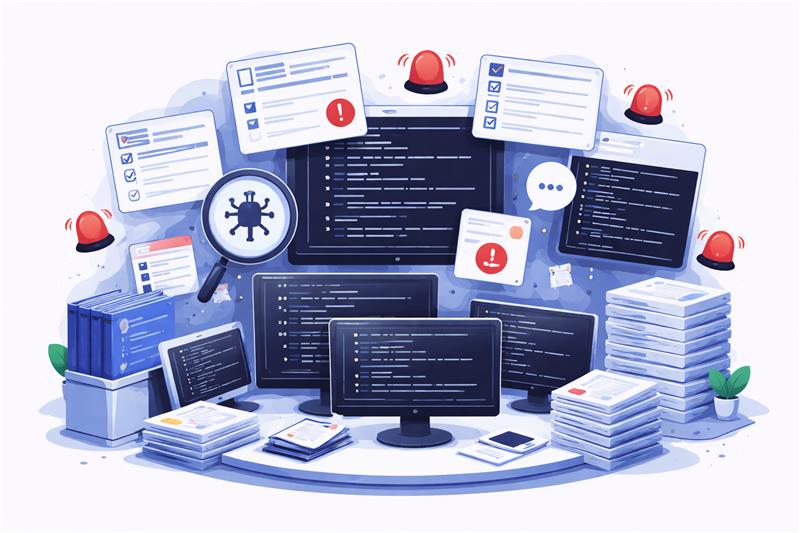
PR reviews are not breaking because engineers lack skill. They are breaking because the process forces them to do the same work repeatedly. Most reviews fail on repetition, context switching, and fatigue. The result is slower merges, inconsistent quality, and senior engineers spending time where it doesn’t matter.
Read more: Personalization vs Broad UX Changes in Conversion Rate Optimization Services
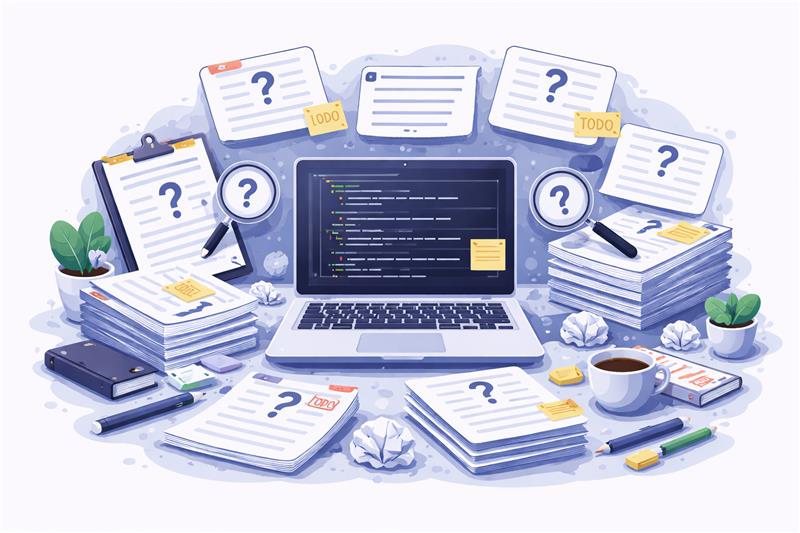
Documentation is incomplete because it is always treated as something that can be done later. Code gets written, reviewed, and shipped under pressure, while documentation is pushed to the side as a non-urgent task. When it is finally written, it is rushed, inconsistent, and often disconnected from the actual implementation. Since it relies entirely on manual effort, every engineer writes differently, follows a different structure, and prioritises it differently, which leads to fragmented and uneven documentation across the codebase.
Most of the real understanding stays in engineers’ heads instead of being captured in the system. New developers don’t rely on documentation because they know it’s outdated. Instead, they rely on people. This slows down onboarding and increases dependency on specific individuals. As the code evolves, documentation rarely keeps up, creating a growing gap between what is written and what actually exists. Over time, documentation stops being useful and starts being ignored.
Read more: Personalization vs Broad UX Changes in Conversion Rate Optimization Services
Boring work in engineering refers to tasks that are repeatable, predictable, and required every single time, regardless of the complexity of the feature. Writing docstrings, adding validations, pointing out naming issues, or leaving basic review comments, these are all necessary to maintain code quality, but they do not require deep thinking or context-heavy decision-making.
The problem is not the work itself, but how often it repeats and how it scales. As the team grows and PR volume increases, these tasks multiply quickly and start consuming a significant portion of engineering time. They don’t demand expertise, but they demand attention, and that attention comes at the cost of higher-value thinking. Over time, engineers spend less time solving problems and more time repeating patterns.
Read more: How to Optimize Demo Request Flows Without Disrupting Sales Infrastructure
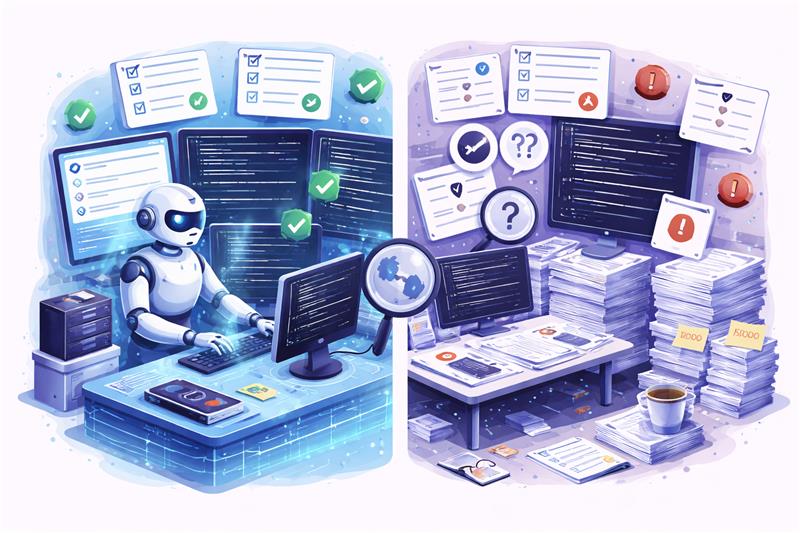
The problem is that the teams are using human effort in the wrong places. Repetitive work does not need intelligence, it needs consistency. That is where machines fit naturally. When you shift repeatable checks and documentation tasks to automation, you free engineers to focus on what actually requires judgment. This is about removing the parts of the workflow that never needed them in the first place.
Read more: From Custom Builds to 60 Stores: BVB Media E-Commerce Platform Story
PR reviews slow down because humans are doing the first pass manually, and that first pass is almost always predictable. Most issues flagged in early reviews are repetitive, obvious, and consistent across PRs. This is where CodeRabbit changes the workflow by handling the mechanical layer before a human even looks at the code.
Read more: Why Some Lead Form Fields Kill Conversion
Documentation breaks because it depends entirely on manual effort, and manual effort is always deprioritised when shipping pressure increases. Engineers focus on writing code that works, not documenting it consistently. This is where Mutable.ai changes the workflow by making documentation a byproduct of writing code, not a separate task that gets delayed or skipped.
Read more: Why Teams Optimize Conversion Rate Instead of Revenue
The difference is structural. Most teams are still operating in a workflow where humans handle everything, from basic checks to deep reviews, and documentation sits outside the development flow. Once you shift repetitive work to automation, the entire system becomes faster, cleaner, and more focused.
| Before (manual workflow) | After (automated workflow) |
| Reviews begin with humans checking everything manually, including basic and predictable issues that repeat across every PR. | Reviews begin with automated pre-review, where tools handle the first pass and surface issues before a human gets involved. |
| Feedback loops are repetitive, with the same comments appearing across multiple cycles, slowing down approvals and frustrating both authors and reviewers. | PRs are cleaner from the start, as common issues are already addressed, reducing back-and-forth and accelerating the review process. |
| Documentation is written separately, often delayed or skipped, and rarely stays aligned with the actual implementation over time. | Documentation is generated alongside code, ensuring that it exists by default and stays closer to the current logic. |
| Reviewers spend time on validation and formatting instead of analysing deeper system behaviour and long-term impact. | Humans focus on architecture, edge cases, and decision-making, where their expertise actually creates value. |
Read more: How BeatRoute Connects Brands, Distributors, and Retailers in One System
This is where the shift becomes real. Not in theory, but in how your day-to-day engineering workflow actually changes. The goal is simple—remove repetitive friction before it reaches humans, so reviews become faster, cleaner, and more meaningful.
The workflow still starts the same, but the expectation changes. Code is written with the understanding that the first layer of validation will be automated.
As soon as the PR is raised, CodeRabbit performs a first-pass review, catching predictable issues without waiting for human input.
Instead of waiting for reviewer comments, developers resolve flagged issues upfront, reducing unnecessary review cycles.
Documentation is no longer delayed or skipped. It is created alongside the code, making it part of the development flow.
By the time a reviewer steps in, the PR is already refined, allowing attention to shift to what actually matters.
With fewer iterations and clearer reviews, approvals happen quicker without compromising quality.
Read more: How to Build an Async-First Engineering Tool Stack That Scales
Automation removes repetition. It handles predictable checks, but it cannot understand intent, context, or long-term consequences the way engineers do. That layer still belongs to humans, and it is where real engineering value shows up.
Read more: How to Build an Async-First Engineering Tool Stack That Scales
When repetitive work is removed, the impact is immediate and structural. Reviews get sharper, documentation becomes usable, and engineering time shifts back to actual problem-solving instead of routine validation.
Read more: Multi-File Refactoring with AI: Cursor vs Windsurf vs Copilot
PR reviews and documentation do not need more effort. They need a better workflow. Most teams are still using engineers for predictable work that machines can handle, which slows everything down and reduces the quality of what actually matters. When you remove repetition from the system, reviews become focused, documentation becomes reliable, and engineering time shifts back to decision-making and problem-solving.
This is exactly where Linearloop fits. Not as a tool layer, but as a workflow rethink. We help teams redesign how reviews, documentation, and engineering processes actually work—so automation handles the predictable, and your engineers focus on what moves the system forward.

Mayank Patel
Apr 6, 20265 min read
Why Developers Lose Productivity After Weekends (And How To Fix It)
The modern engineering workflow carries an overlooked inefficiency that becomes most visible after a break. Developers return to the same codebase, the same tasks, and the same systems, yet struggle to resume meaningful progress. The gap is not in execution, but in cognition. What is lost is not code, but context.
This reveals a fundamental issue in how productivity is currently approached. Most systems optimise for speed of output, while neglecting continuity of understanding. As a result, developers spend a significant portion of time reconstructing decisions, dependencies, and intent before they can proceed. Productivity, therefore, is not constrained by how fast work is done, but by how quickly thinking can be resumed.
Also Read: How Univia Built a Scalable AgriTech System
What disappears after a break is not code, but context. The system remains intact, yet the reasoning behind it fades. Developers lose track of active decisions, underlying assumptions, and how different parts of the system connect. What was once a clear mental model becomes fragmented. Resuming work, therefore, begins with reconstruction.
→ Active decisions lose clarity
→ Assumptions become invisible
→ System relationships break
→ In-progress thinking resets
This is a cognitive gap. Most systems store code and track tasks, but they do not preserve intent. As a result, developers must rebuild understanding before they can proceed.
Context rebuilding replaces forward progress. This reconstruction is expensive. Developers spend hours scanning code, pull requests, and tickets just to reorient themselves. The cost compounds quickly, resulting in delays increasing, errors becoming more likely, and the same decisions being revisited. Execution slows down, because continuity is missing.
Also Read: Multi-File Refactoring with AI: Cursor vs Windsurf vs Copilot
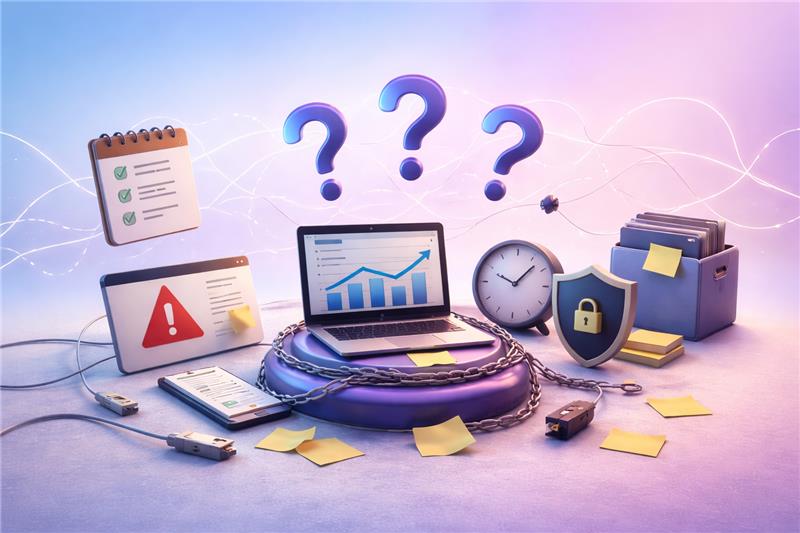
The limitation is what the tools are designed to optimise. Most productivity systems are built around execution, containing writing, deploying, and tracking, while continuity of understanding remains unaddressed. As a result, they support doing work, but not resuming it.
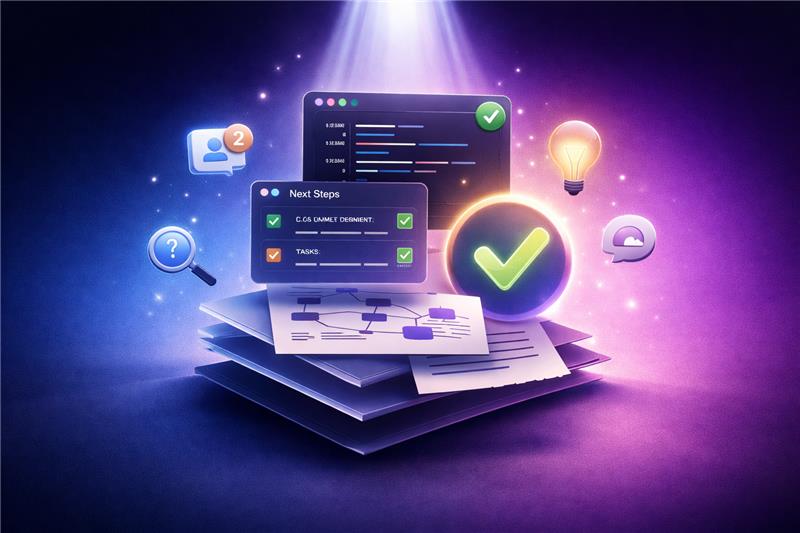
Resuming work after a break should not require reconstruction. A well-designed workflow allows developers to re-enter the system with clarity. The current state of work, the intent behind recent changes, and the next logical step should be immediately visible. The experience should feel continuous, as if no interruption occurred, rather than requiring effort to rebuild understanding.
This continuity is reflected through clear signals. The last working checkpoint is identifiable, recent decisions are traceable, and system relationships remain visible. Minimal re-reading is required, and dependencies do not need to be rediscovered. When context is preserved, developers do not spend time figuring out where they are. They proceed directly with what needs to be done.
Also Read: How to Optimise Demo Request Flows Without Disrupting Sales Infrastructure
Context loss is not addressed by a single tool, but by how systems preserve and reconstruct understanding across workflows. The objective is to reduce the effort required to resume thinking. This requires tools that capture intent, surface relationships, and make recent changes interpretable without manual reconstruction.
Also Read: Modern AI Data Stack Architecture Explained for Enterprises
The difference between ineffective and effective workflows becomes visible after a break. In most cases, developers do not resume work; they reconstruct it. Time is spent scanning code, revisiting pull requests, and reconnecting context before progress begins. This is a continuity gap.
A context-aware workflow removes this friction. It makes the state of work, recent changes, and intent immediately accessible. Reorientation is reduced, and execution follows without delay.
Work begins with uncertainty. Developers scan code, review pull requests, and revisit tasks to understand where they left off. Context is fragmented, and time is spent reconstructing intent before any progress is made.
Work begins with clarity. The last checkpoint is visible, changes are summarised, and intent is accessible. Developers resume directly, without rebuilding context.
The difference is not in tooling volume, but in how workflows are designed. High-performing teams do not optimise only for execution speed. They structure systems to preserve context, reduce rethinking, and maintain continuity across interruptions. As a result, resuming work becomes predictable.
Tool selection often focuses on features and integrations, but the more relevant criterion is how effectively a tool preserves and restores context. The goal is to reduce the effort required to resume meaningful work. Tools should be evaluated based on their ability to retain intent, surface relationships, and make recent changes interpretable without manual reconstruction.
| Prioritise | Ignore |
| Tools that capture intent alongside actions | Tools focused only on speed of execution |
| Systems that make recent changes interpretable | Tools that require ma |
| Workflows that expose dependencies clearly | Tools that fragment context across multiple layers |
| Platforms that retain decision history | Tools that only track tasks without reasoning |
The loss of productivity after a break is not caused by lack of effort, but by loss of context. When workflows fail to preserve intent, developers are forced to reconstruct understanding before they can proceed. This shifts time away from execution towards reorientation, making continuity the primary constraint on productivity.
Addressing this requires a shift in how systems are designed. Instead of optimising only for speed, workflows must be structured to retain and surface context consistently. This is where Linearloop focuses on, building engineering systems that reduce cognitive overhead and enable teams to resume work with clarity.
Mayank Patel
Apr 3, 20265 min read